Bulk Negation Tool
Who is this for? Individuals who want to save time and increase efficiency by doing bulk negations.
Objective: This SOP aims to provide a step-by-step guide on how to generate a Bulk File ready for upload for Customer Search Terms to be negated based on the parameters that you can set (Clicks, Spending, and Orders)
Bulk Negation Tool: File
Download:
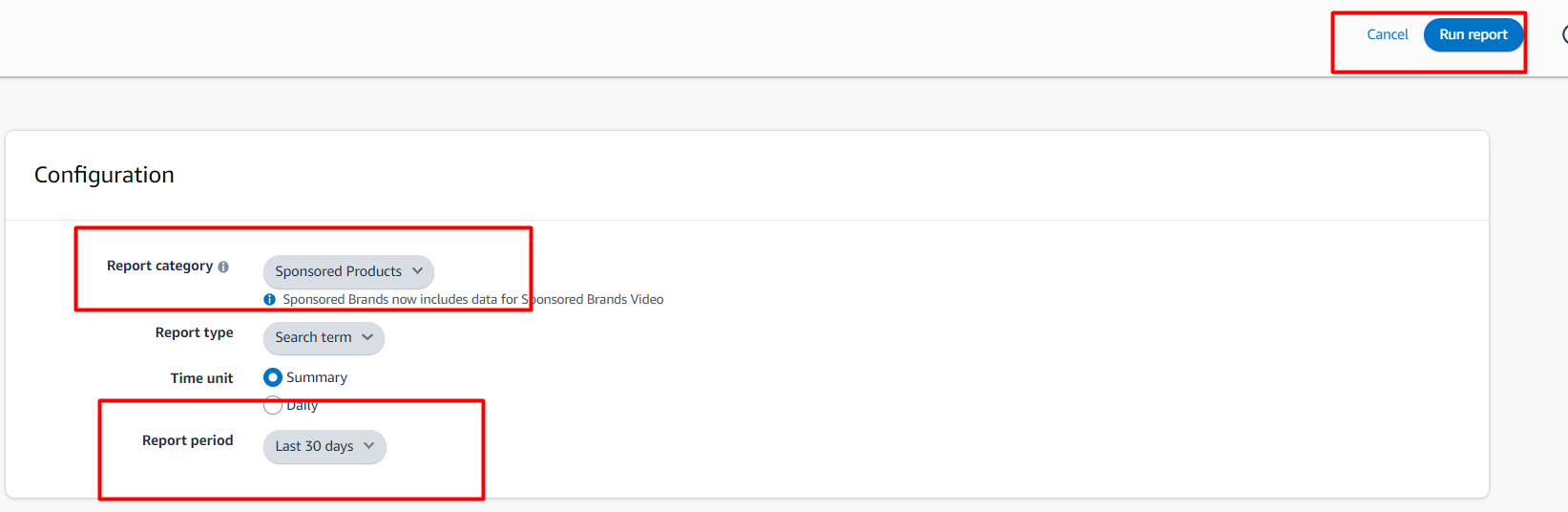
Generate a Sponsored Products Search Term Report (Chosen date range)
Bulk File (Any date range)

Activate Bulk Negation Tool.xlsm Macro
For Windows: Right click > Properties > Check "Unblock" > Click OK

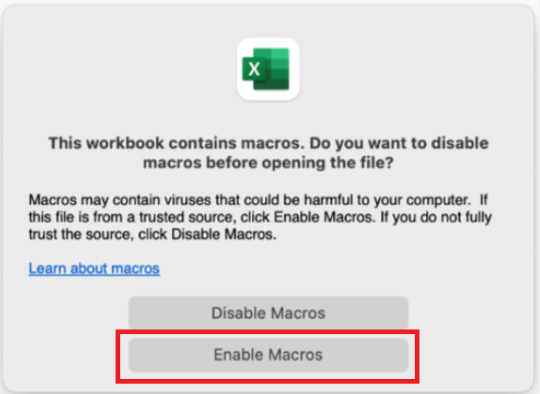
For Mac: Open the file > Enable Macros
Open the files:
The Bulk Negation Tool.xlsm
The Search term report.xlsx
The Bulk File.xlsx
Paste the files
The SP Search term report to STR-Dump sheet
The SB Search term report to STR-Dump-SB sheet
The Bulk File to Bulk-Dump sheet
On Negation sheet, set:
Orders
Spend
Clicks
ACOS
Sample settings:

Note: Make sure we consider the product price relation to the ad spend when setting this up
Ex: if product price is $50 and ACOS goal 40%, the approx. input should be $25 and more
Click the Run button

For SP

For SB
Validate the Results, next is Copy then Paste to Negation sheet:
Campaign Name
Adgroup Name
Customer Search Term
Choose between Exact or PhraseNegative match types
Filter Negative type column to KW to easily fill out Negative match type column
PT must be blank on Negative match type column
Copy the Data from SP sheet then paste on a different excel as values
SP - Column A to AH
SB - Column A to Y

Save the new Excel and upload it to Bulk operations

Others
Clear ALL
This will clear these sheets:
STR-Dump
STR-Dump-SB
Bulk-Dump
Results
Negation
Optional Clear
This will clear the same sheets but there will be a pop-up asking to clear each sheet or not
