Who is this for? This is intended for individuals who need to produce, select, or create high-quality images for product pages and want to enhance their product image content.
Objective: The purpose of this document is to provide comprehensive best practices for producing, creating, or selecting quality images that effectively represent the appearance and usage of the product. It also includes recommendations for image sizing and content.
Amazon maintains strict guidelines for product photos. It is essential to review their guidelines here before proceeding. By adhering to the following best practices, you can optimize your listings and improve customer engagement. You can view the guidelines here.
Main/Hero Image:
- Background: Main images should have a pure white background with RGB color values of 255, 255, and 255. This white background seamlessly integrates with the Amazon search and product detail pages, providing a clean and professional appearance.
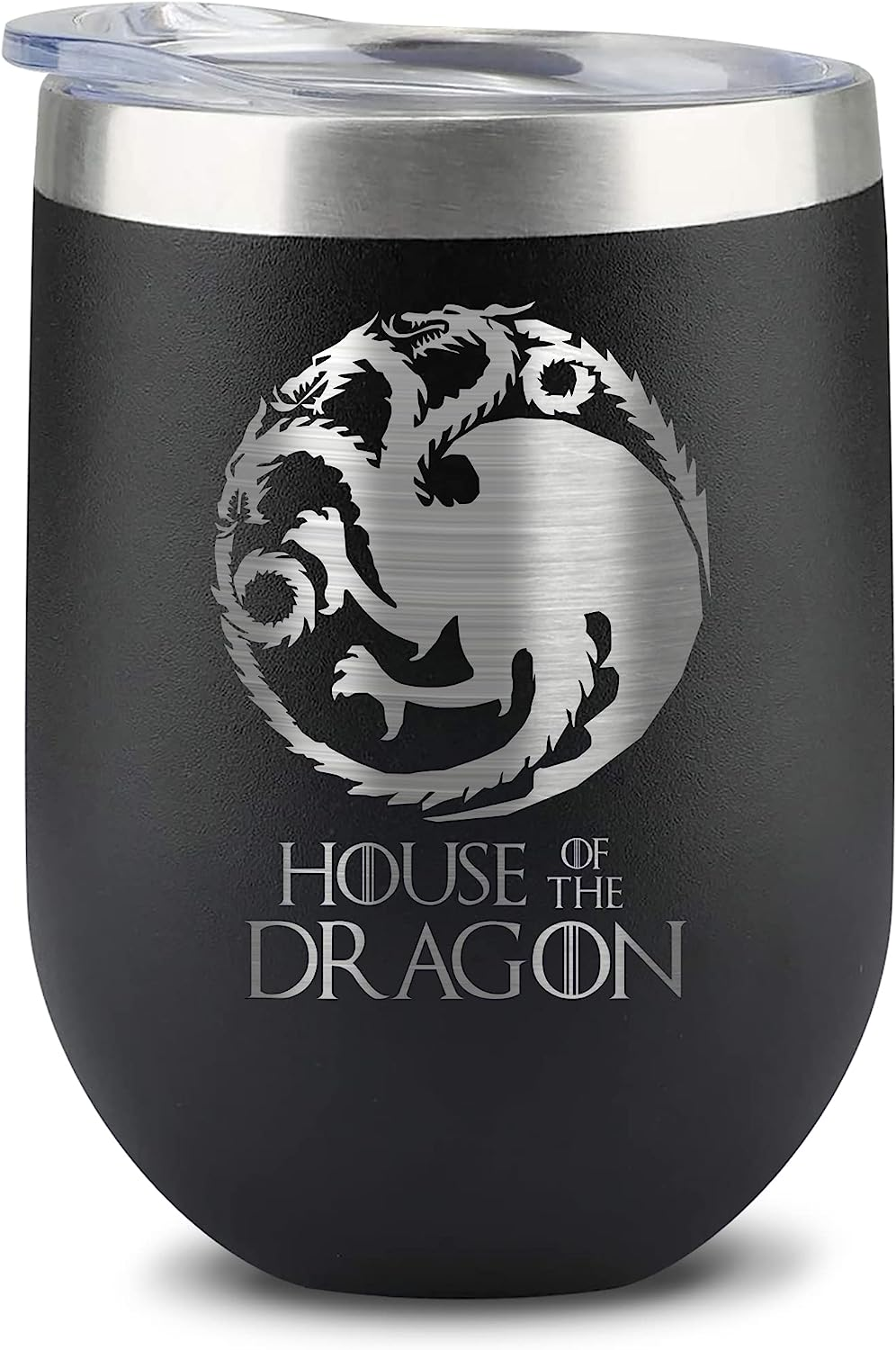
- Authentic Product Representation: Main images must be professional photographs of the actual product. Graphics, illustrations, mockups, or placeholders are not allowed. The images should accurately depict the item without any excluded accessories or props that could confuse customers.
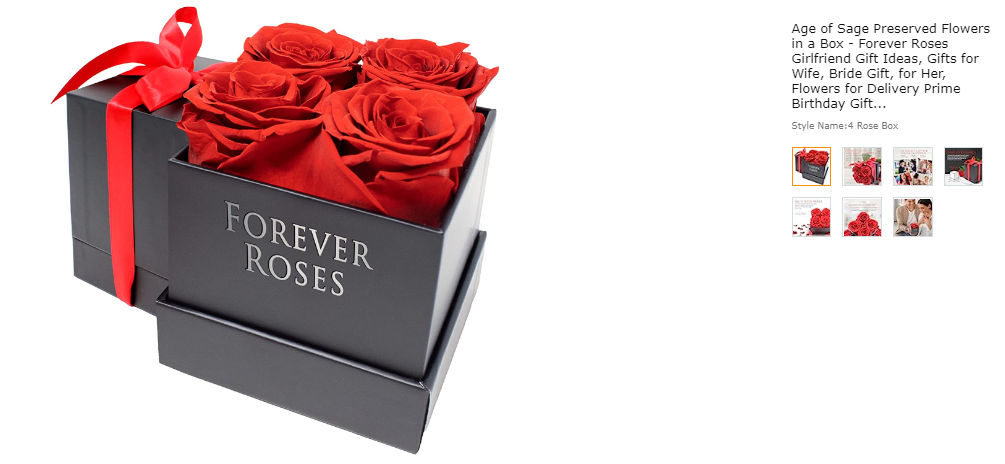
- Avoid Text, Logos, and Graphics: Main images should not include any text, logos, borders, color blocks, watermarks, or other graphics over the product or in the background. The focus should be solely on showcasing the product itself.
- Single Product View: Main images must display a single view of the product. Avoid multiple angles or perspectives in the main image, as it can cause confusion for customers.
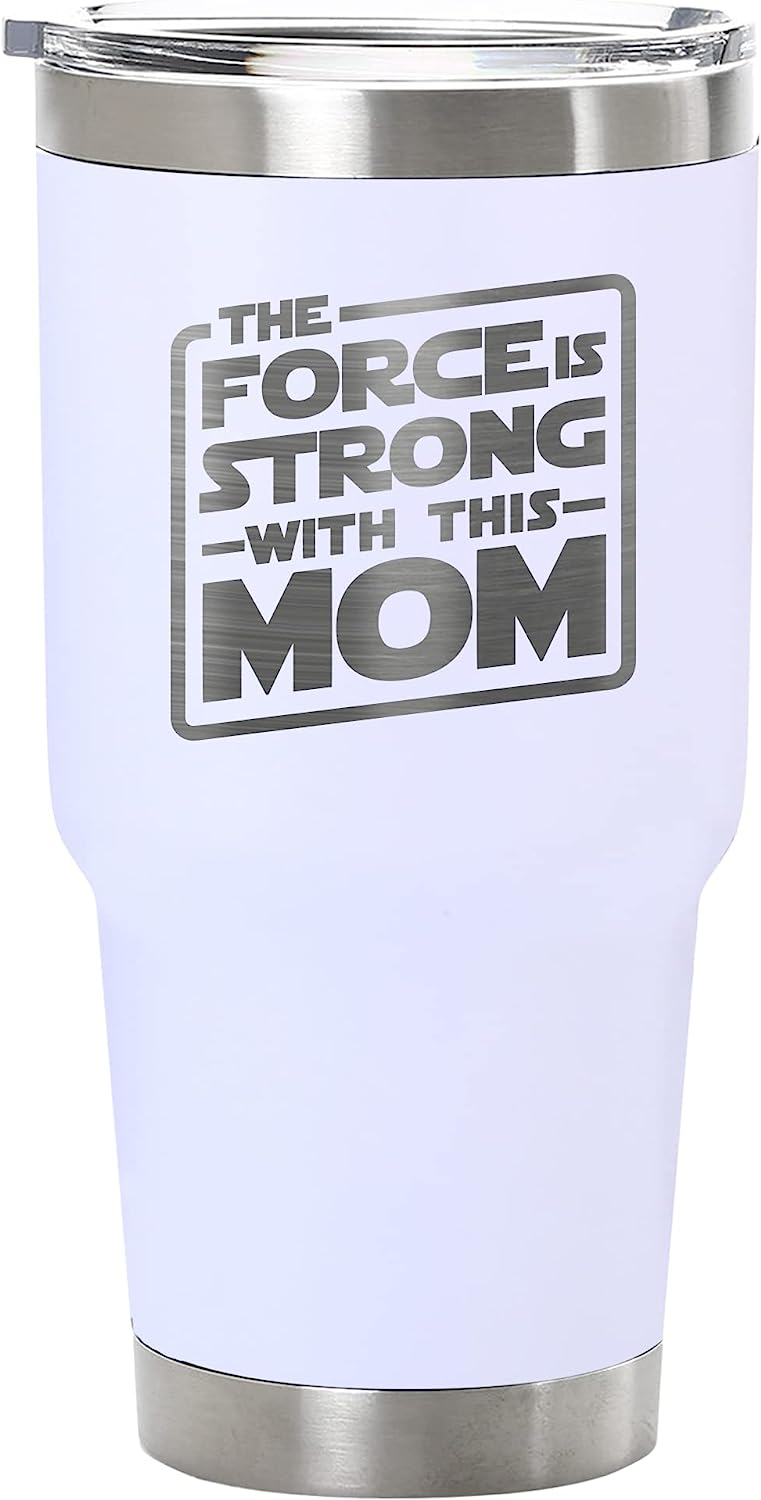
- Complete Product Visibility: The main image should show the entire product that is being sold. Ensure that no parts of the product are cut off or obscured by the image frame, except in the case of jewelry such as necklaces.
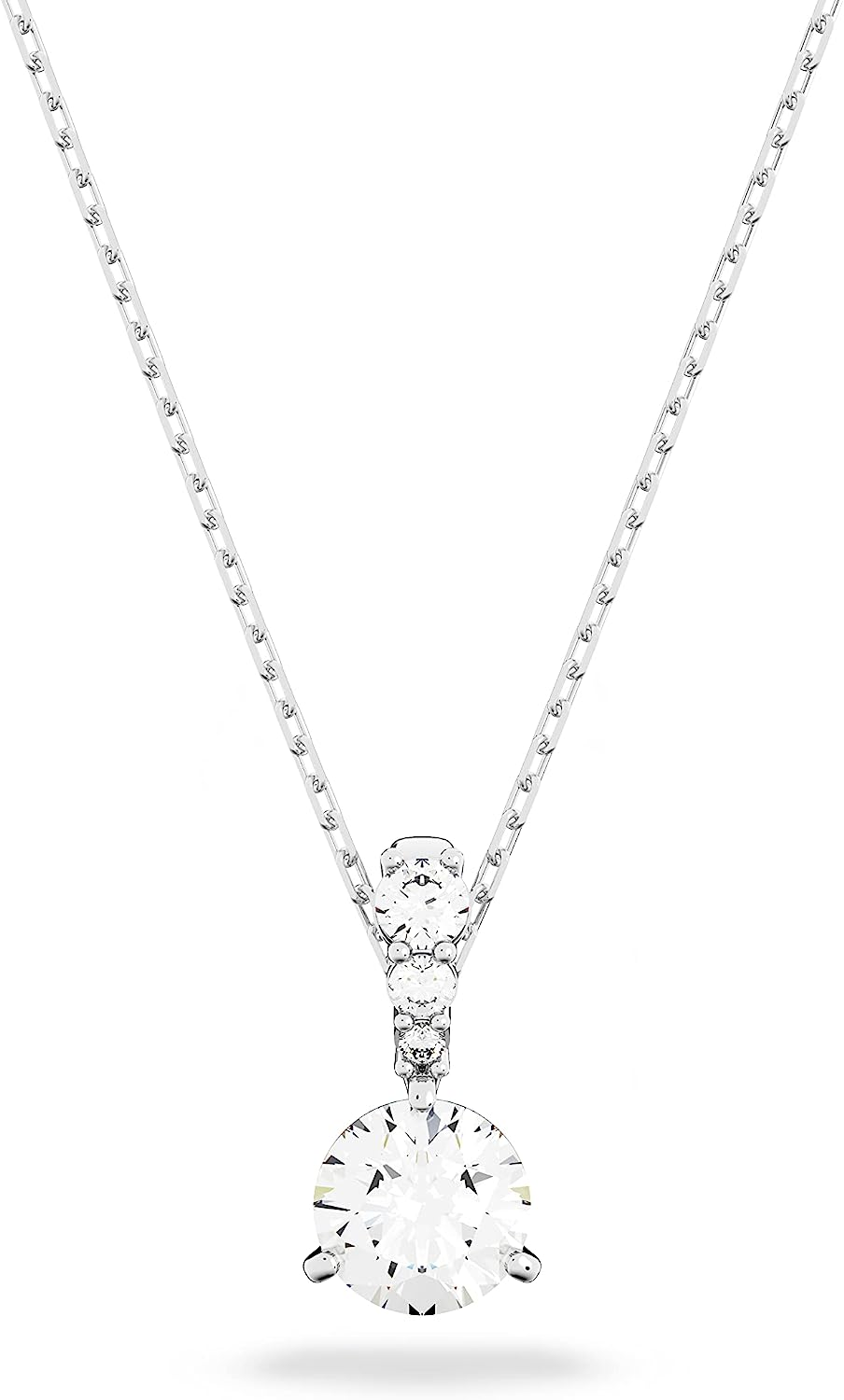
- Packaging Exclusion: Main images should feature the product outside of any packaging. Boxes, bags, or cases should not be visible in the image unless they are an essential part of the product itself.

- Human Model Posture: Avoid using images of human models that are sitting, kneeling, leaning, or lying down. However, it is encouraged to showcase different physical mobilities using assistive technology such as wheelchairs or prosthetics.
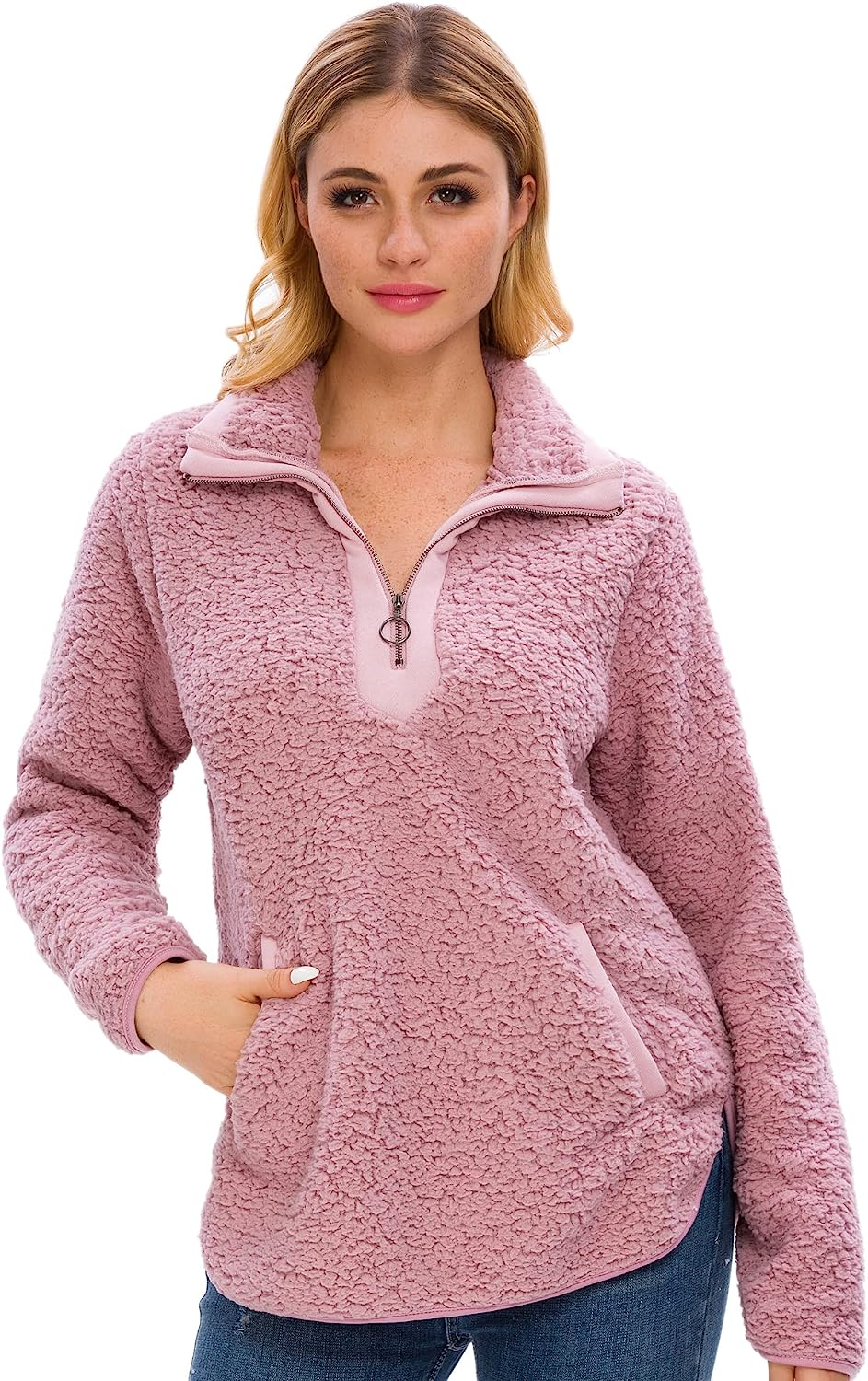
- Model Display for Women's and Men's Clothing: Main images for women's and men's clothing must show the product being worn on a human model to provide a visual representation of how it looks when worn.
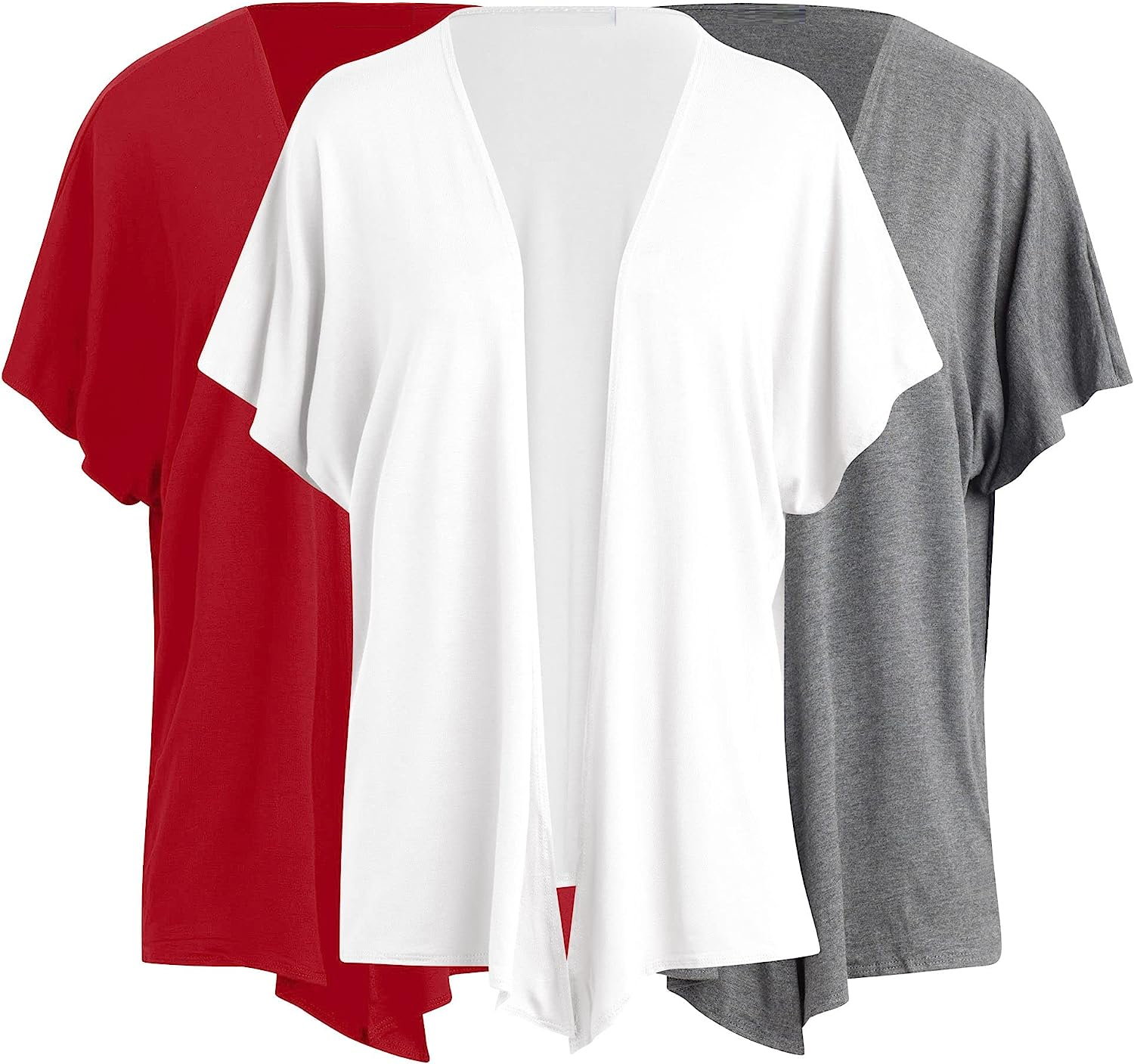
- Flat Photography for Apparel and Accessories: For multi-pack apparel items and accessories, they should be photographed flat, without being worn or modeled.
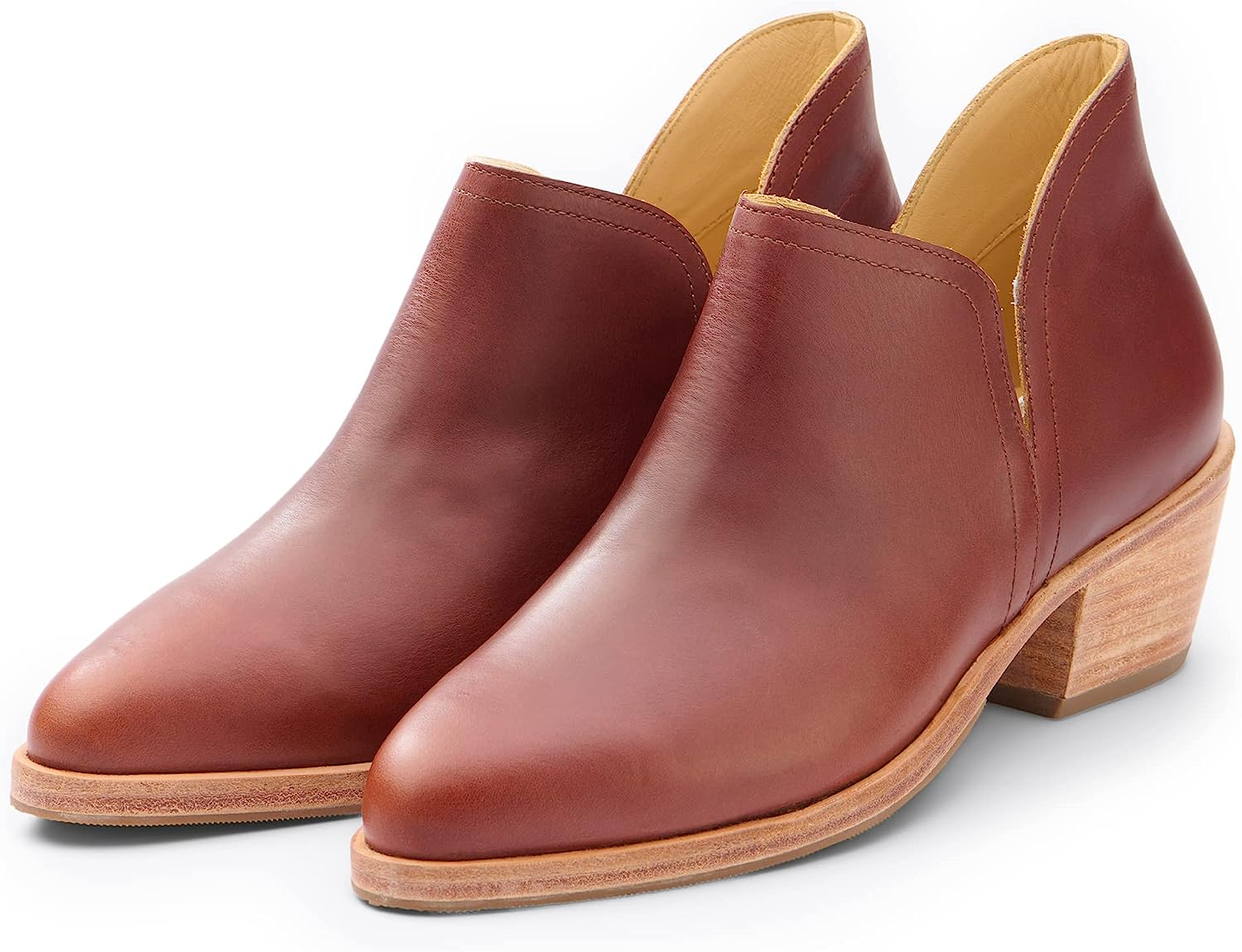
- Shoe Orientation: Main images of shoes should display a single shoe facing left at a 45-degree angle. This angle provides a clear and consistent view of the product.
Secondary Images
- Secondary photos boost the conversion rate significantly. Include 3-5 secondary images that complement your product.


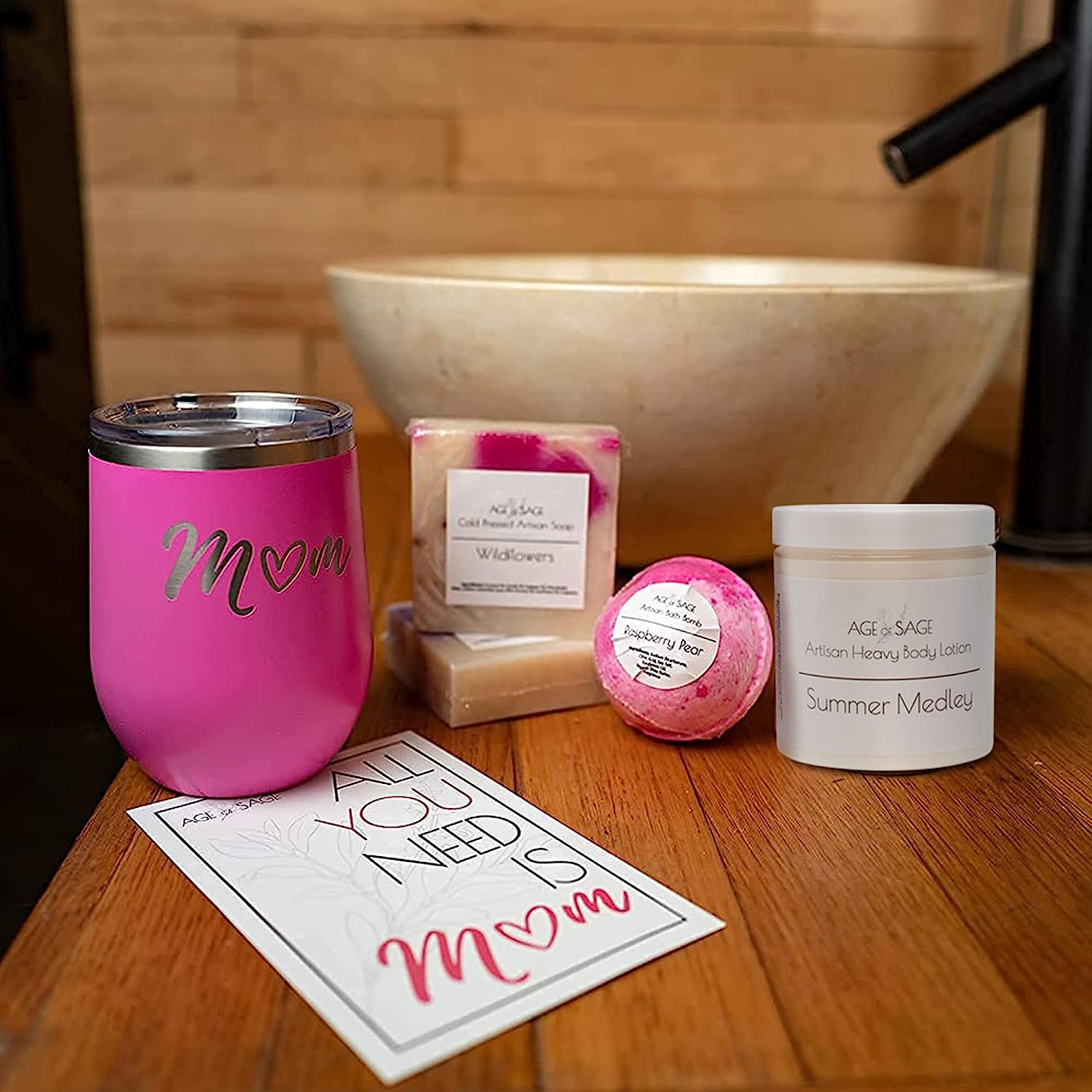
- Capture the essence of product functionality by showcasing it in action, allowing customers to vividly envision its practicality. For instance, if your product is a sage smudge stick, enhance its appeal by incorporating lifestyle images that portray individuals joyfully inhaling the fragrant white dried sage, creating an inviting atmosphere filled with positive energy.

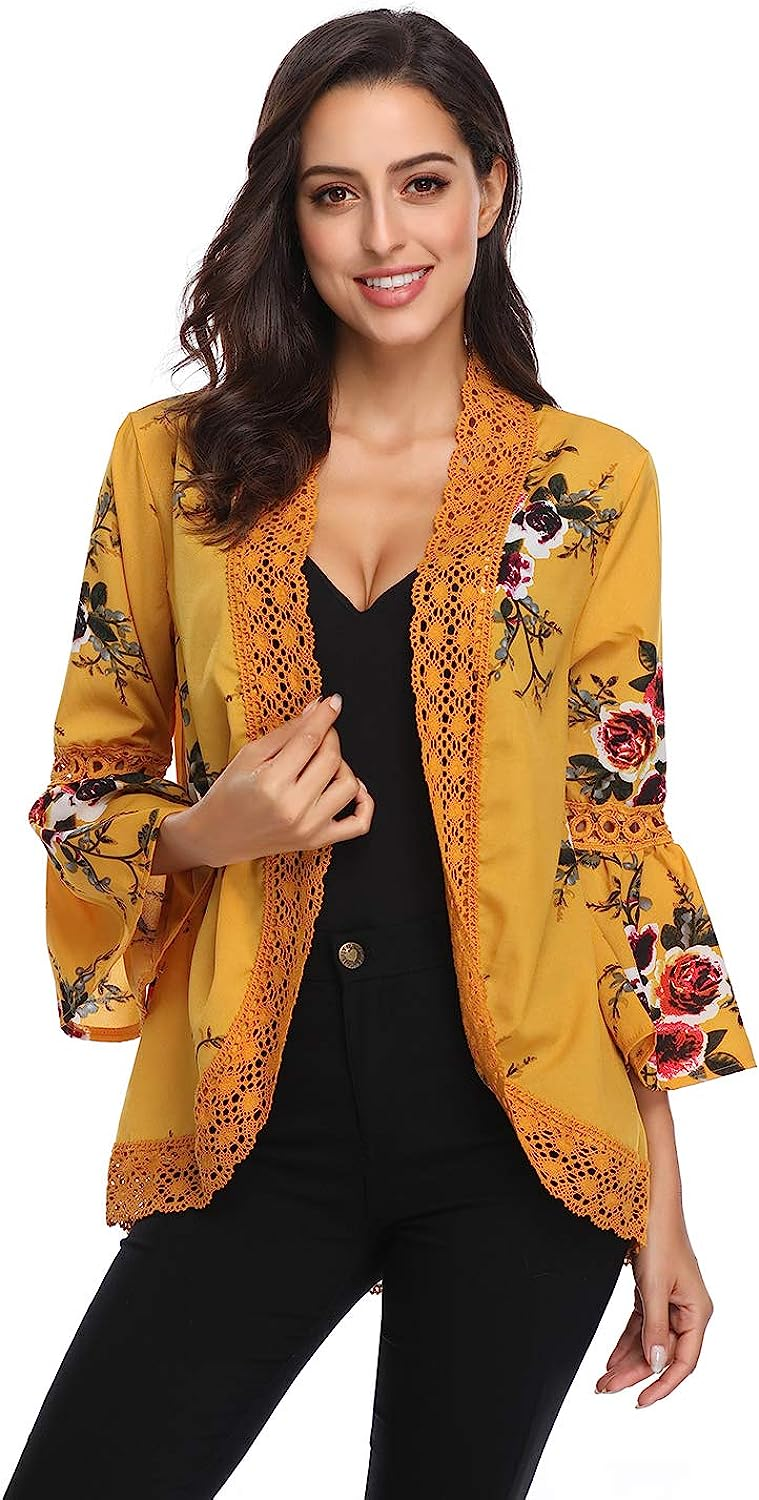
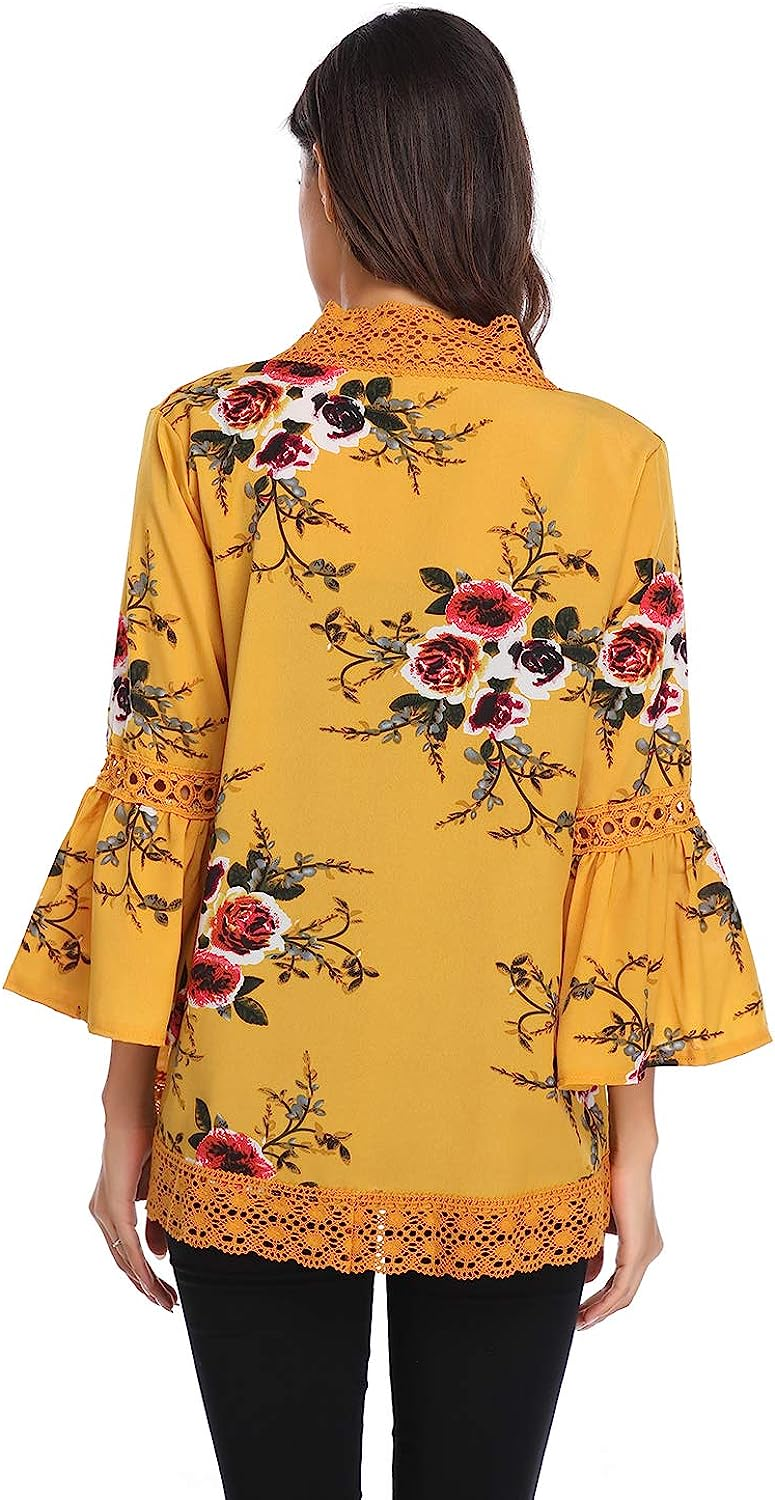
- Additional angles of the product can help give the customers the feeling that they’re seeing it in person. For any product that is to be worn on the body, additional angles can help a customer decide if they like the look of the product.
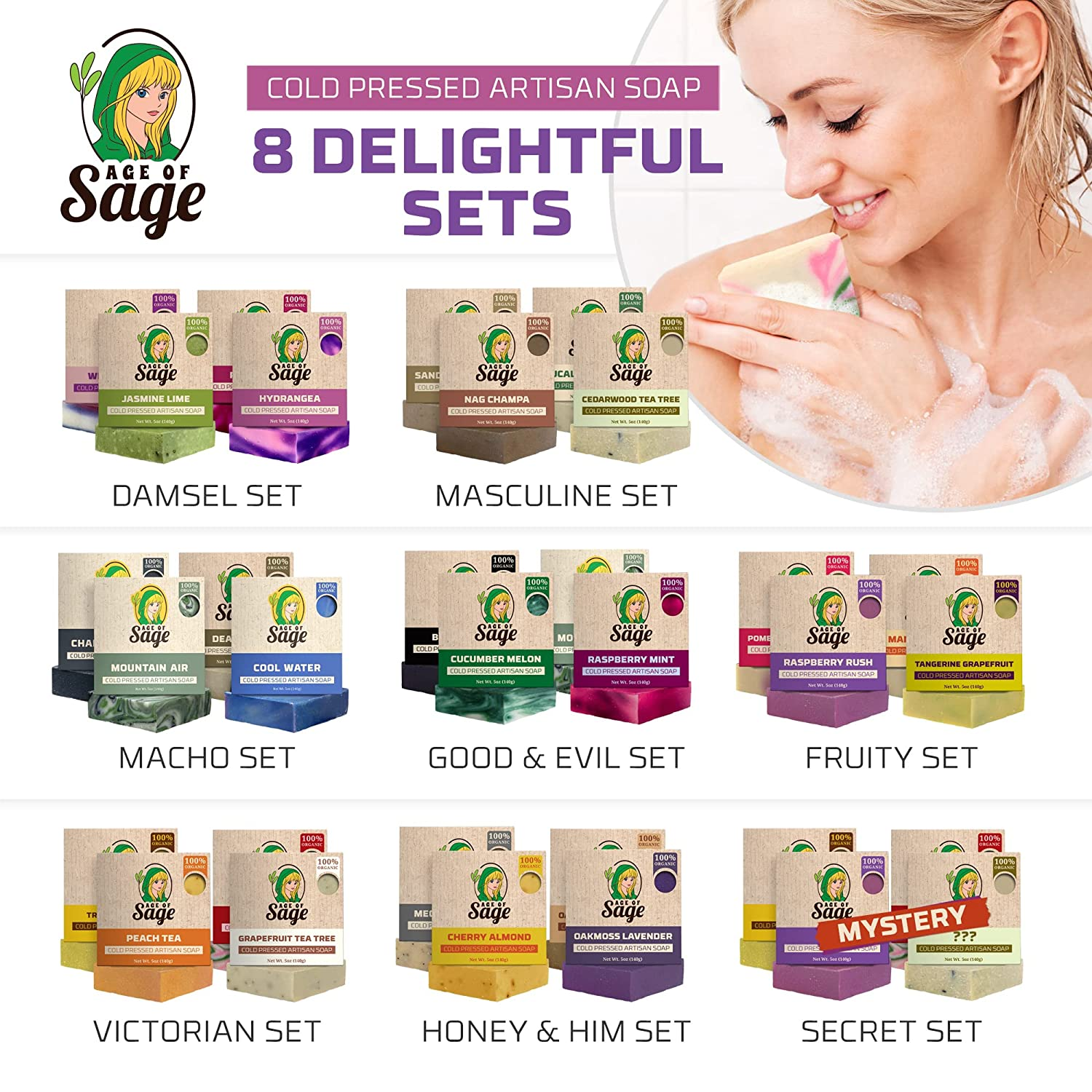
- Consider including a group photo of your product line.
- Use infographics to highlight key differences between your product and competitors.

Guidelines for All Product Images
- Accurate Representation and Matching Product Title: Product images must provide an accurate representation of the item being sold. They should effectively showcase the product's features, appearance, and functionality. The images must also align with the product title. They should depict the specific item described in the title, enabling customers to easily associate the visuals with the product they are considering.
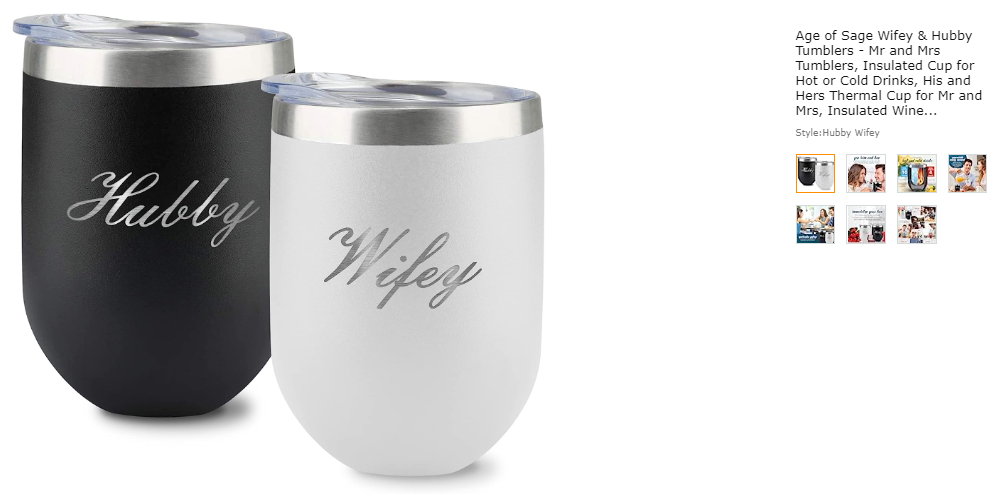
- Use a pure white background (RGB 255, 255, 255). Failure to do so may result in rejection by Amazon.
- The product should occupy at least 85% of the image area. This ensures that customers can clearly see the item and its details without unnecessary distractions.
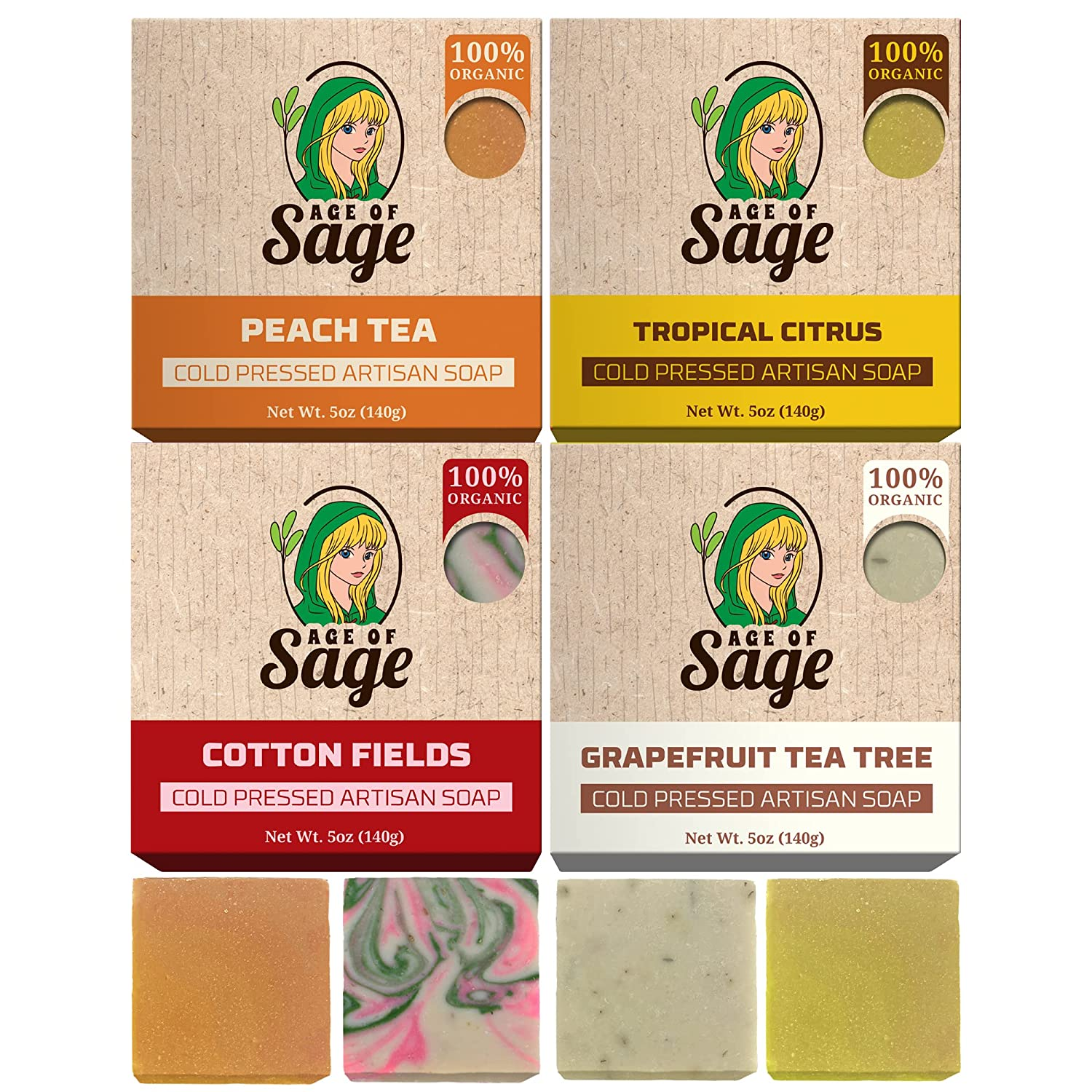
- Optimal zoom experience and File Size Limit: To enhance sales, it is recommended that image files be 1600px or larger on the longest side. This facilitates a superior zooming experience on detail pages. Ideally, the resolution should be 2500 x 2500 pixels, but a minimum of 1000 x 1000 pixels is acceptable. Images must also not exceed 10,000px on the longest side. Keeping the file sizes within this limit ensures efficient loading and optimal performance on the Amazon platform.
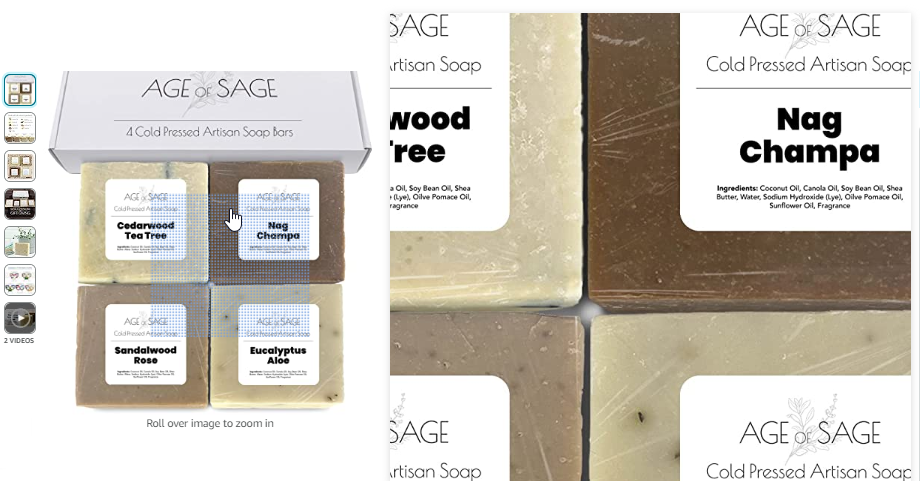
- Image Quality: Images must be clear, sharp, and free from blurriness, pixelation, or jagged edges. This ensures that customers can view the product details accurately and make informed purchasing decisions. There is a large difference in quality between the following images:

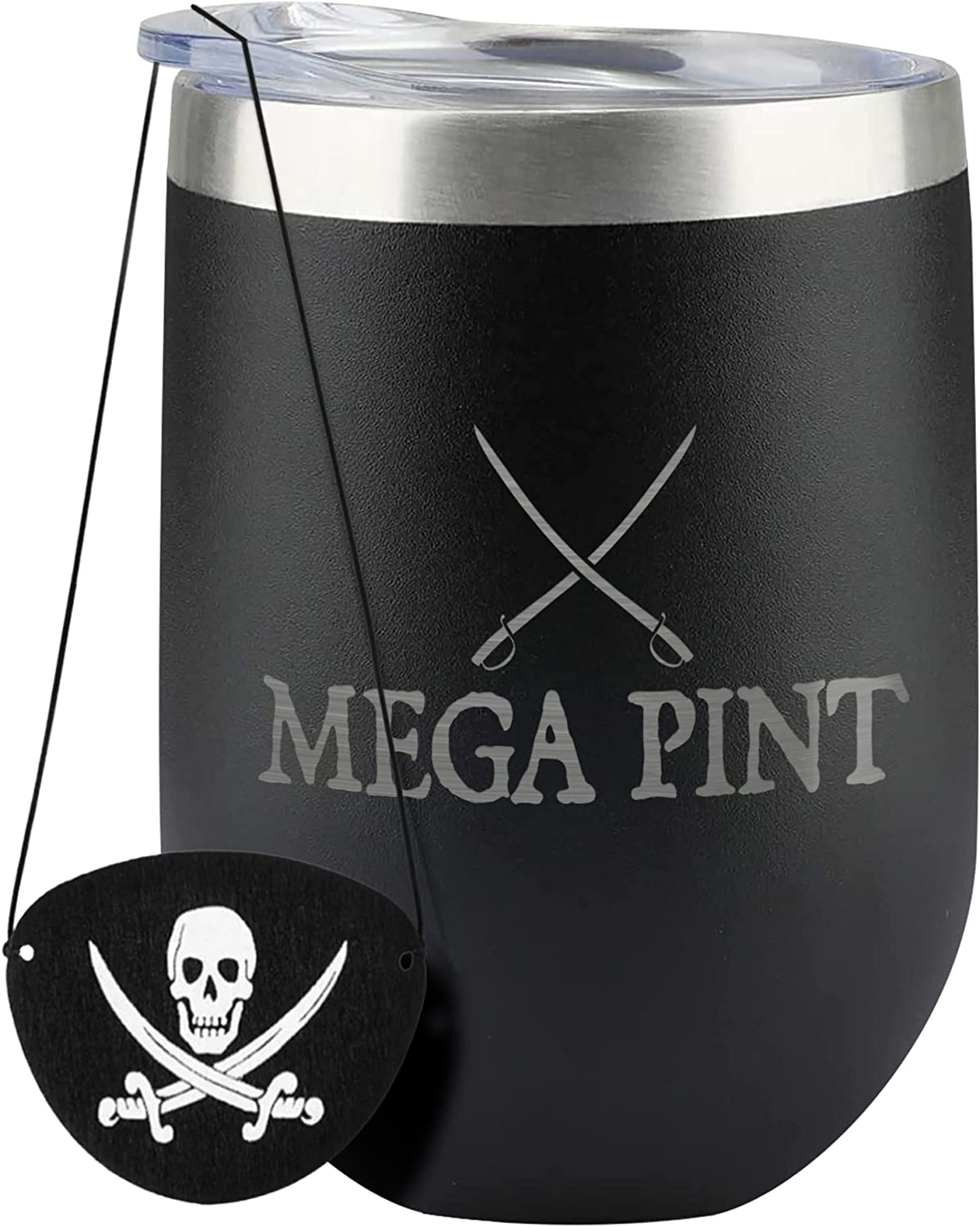
- Appropriate Content: Images must not contain nudity or have any sexually suggestive elements. Additionally, avoid displaying leotards, underwear, and swimwear for kids and babies on human models..
- Avoid Amazon Logos or Trademarks:
Images must not include any Amazon logos, trademarks, or variations thereof that may cause confusion. This includes words or logos containing terms such as AMAZON, PRIME, ALEXA, or the Amazon Smile design.
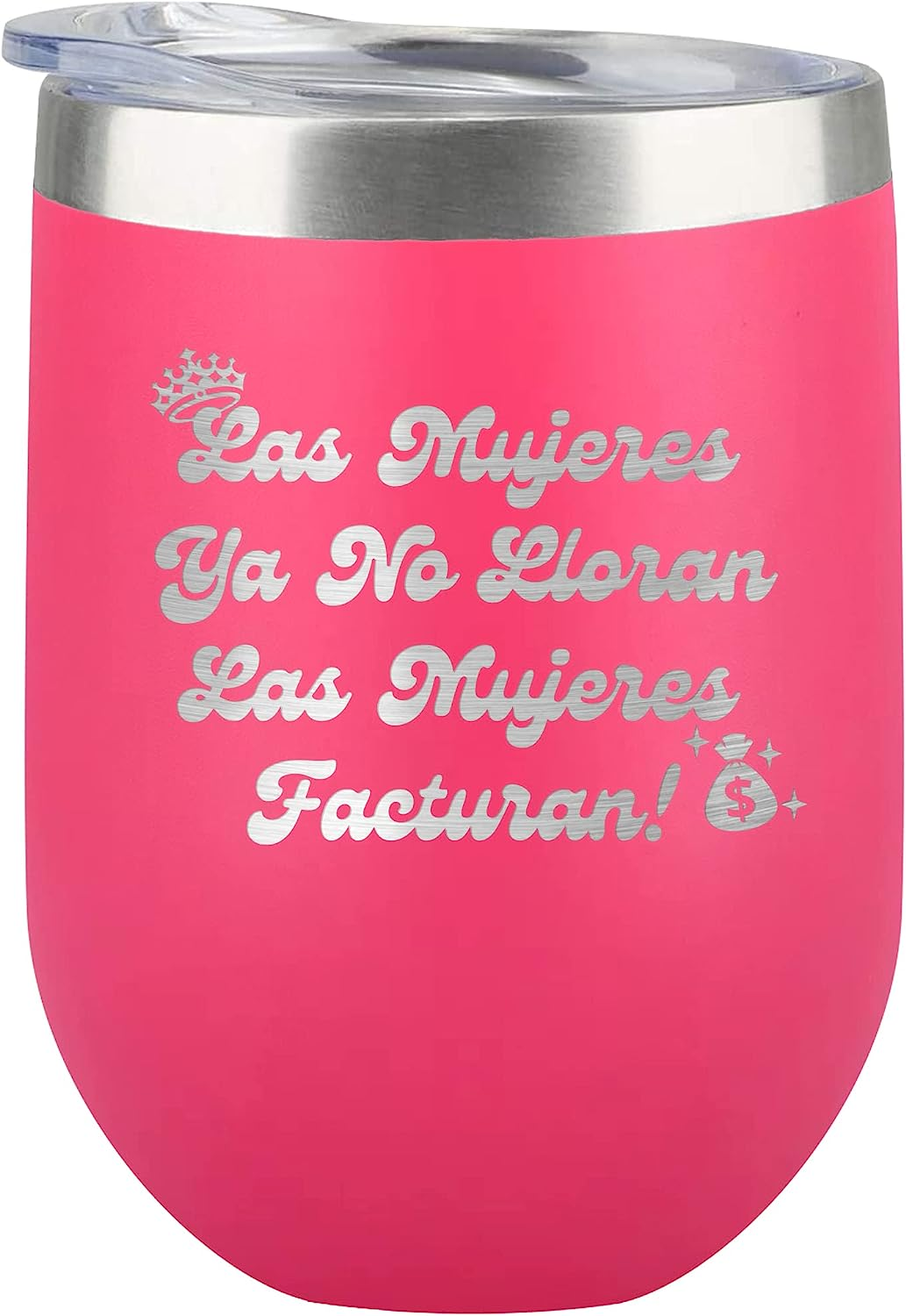
- Acceptable image formats include JPEG (.jpg or .jpeg), TIFF (.tif), PNG (.png), or GIF (.gif). JPEG is the preferred format. Please note that our servers do not support animated .gifs.
- Images must not include any Amazon logos, trademarks, or variations thereof that may cause confusion. This includes words or logos containing terms such as AMAZON, PRIME, ALEXA, or the Amazon Smile design.
