Who is this for? Sellers who wish to contact brand registry support.
Objective: This document serves as a guide on how to appropriately file a brand registry case and how to send a follow-up/update.
- Log into Amazon’s Brand Registry dashboard
- Click sign in when on https://brandregistry.amazon.com/ and select your marketplace
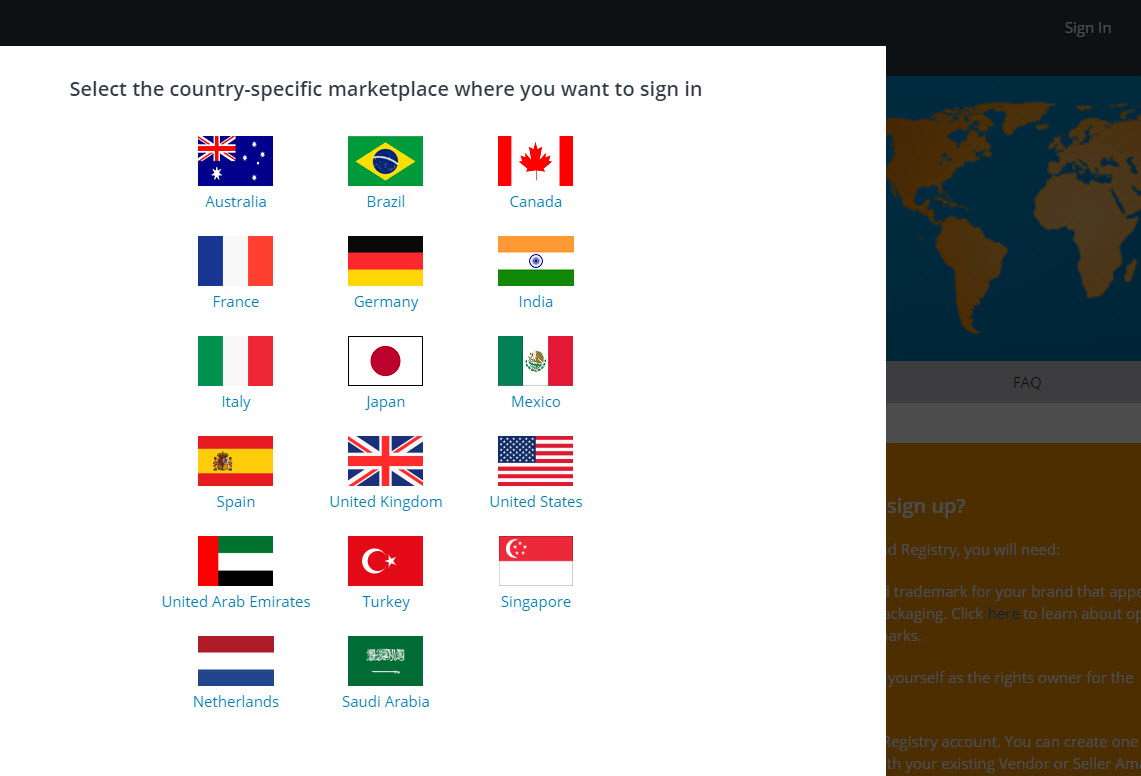
- Click sign in when on https://brandregistry.amazon.com/ and select your marketplace
- Once logged in, hover over the Support tab and click on Contact Brand Support. (Use Brand Support Case log if you want to go see the cases you have previously filed)
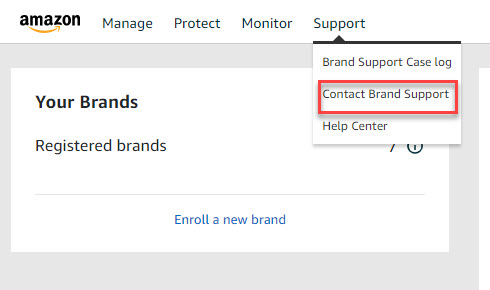
- Select the category closest to your issue but most of the time, we would use the Technical Issue Tab
- Contact Reason - should be renamed into something easy that you can go back and with a quick glance, you’ll know what the ticket case is about
- Please describe your issue - you will explain to Amazon the issue that you are trying to fix, explain the actions that you have taken, and what actions you are looking for Amazon to help with.
- Additional information - using files and screenshots will sometimes do better than the explanations, it helps Seller Support with the specific issues you are facing
- Check if it’s the correct email address that you want the cases to be sent to and click send when ready
Action to Take:
File a ticket through Amazon Brand Registry explaining the following:
- The issue you are trying to fix
- Explain the actions you have taken
- What actions are you looking for Amazon to help with?
