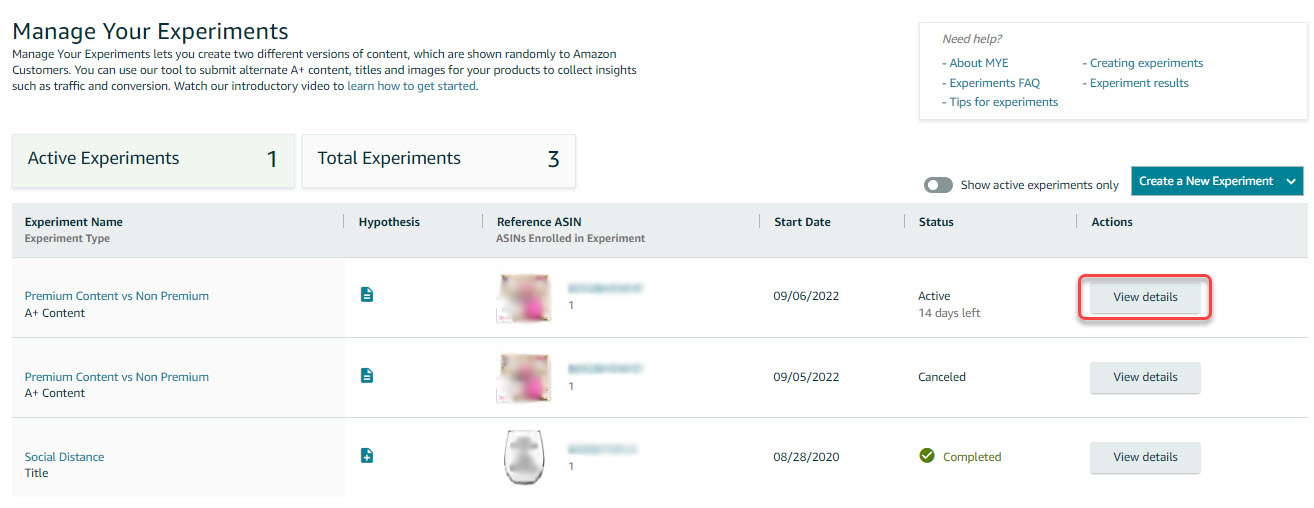
Seller Central A/B Testing
Access the Amazon Seller Central page by clicking the URL: https://sellercentral.amazon.com/
Go to Brands, then select Manage Experiments.

On the experiments dashboard, click Create a New Experiment.
You can run an experiment for A+ Content, Bullet Points, Main Image, Product Description, and Product Title.

Main Image A/B Testing
Search the ASIN for A/B testing. It will display if the ASIN is Eligible for the experiment, then click Select Reference ASIN.

If the ASIN is part of a variation, you will need to select first the whole parentage as the reference ASIN.

Enter a descriptive test name, duration, and desired start date. You may also enter an optional hypothesis around what you wish to learn from the test.
Experiment Name
Hypothesis - Brief description of the experiment and the desired outcome.
Duration - Minimum of 4 weeks to a maximum of 10 weeks.
Start Date will be automatically set 1 week after you created the experiment, but you can still set it at a later date.
End Date will be automatically set depending on the duration of the experiment.
You can tick To significance which automatically ends the experiment when there is enough time data to declare winner.
There’s an option now to Automatically publish the winning version.
Note : There is no definite timeline for the A/B test but if there is already a “strong” evidence we can go ahead and stop the A/B testing also if the client is satisfied with the results and instructs to go ahead with the winning result.

Uncheck all other Child ASINs that are not included in the experiment.
When you run an experiment on a variation family, you can submit an experiment for one or more of the child ASINs, but you always have to submit for the parent ASIN.
Upload the 2nd or B image you are putting up against the current main image.

Once all information has been entered, click Schedule Experiment. You will be routed back again to the experiments landing page.
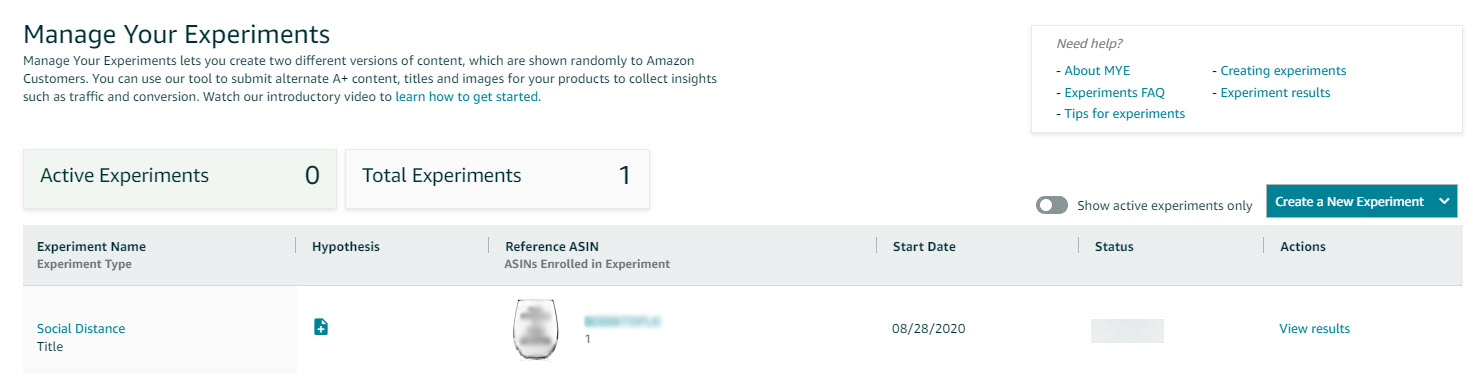
Click View Details to check the experiment's current status.