Who is this for? For sellers on Amazon Seller Central who need guidance on obtaining an "All Statements" report for their seller account settlement.
Objective: The objective of this SOP is to guide sellers in retrieving the "All Statements" report from their Amazon Seller Central account. It provides instructions on how to access and download the settlement report, which includes important financial information related to the account activity and balance.
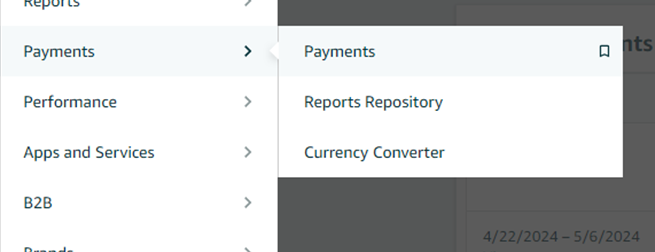
- To obtain an “All Statements” report, go to the “Payments” tab in Seller Central and select “Payments” from the Drop-Down Menu.
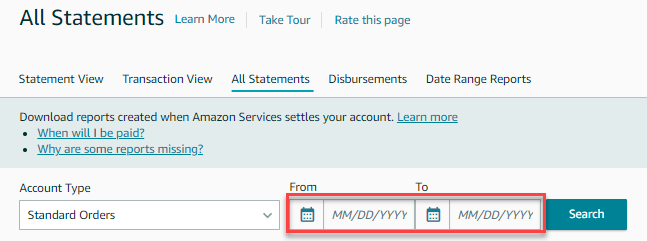
- On the next page, navigate to the “All Statements” Tab to view all available statements.

- If desired, use the Select Date Range filter to specify the time period for which you want to generate the report.
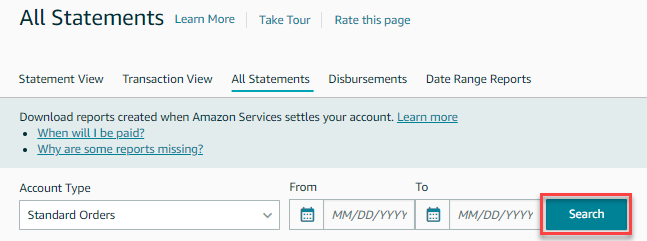
- Click "Search".
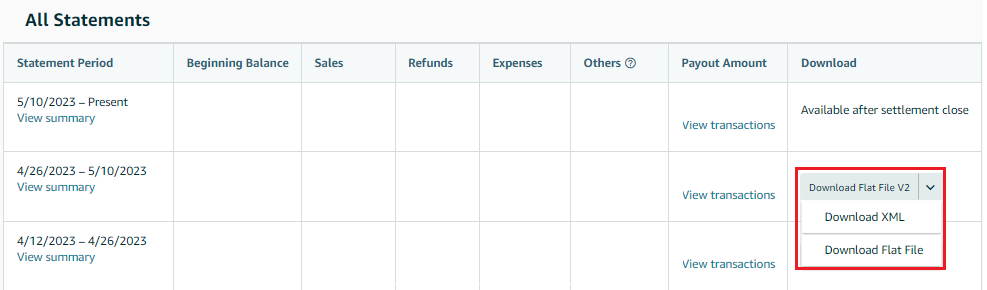
- Look for the settlement period you're interested in and locate the corresponding Download buttons in the Actions column. There are three options for downloading the report:
- Download XML: This option provides an XML file that you can open in programs like Microsoft Excel.
- Download Flat File: Selecting this option will download a tab-delimited text file.
- Download Flat File V2: Specifically designed for Fulfillment by Amazon sellers, this file can be used with the Settlement Summary Template to create a pivot table for a simplified display of order details. You can learn more about this report in the Settlement Summary Report documentation.